Connect your school once
Link Canvas, Google Classroom or your Veracross calendar feed. New assignments, due dates and attached files ride the bus in, and the teachers start right away. Turning work in stays your call.
-
Access token
Canvas
New assignments, attached files and due dates come in on their own, and when you turn something in on Canvas, Proctor sees it and records your grade.
- Assignments
- Files
- Turned-in state
- Grades
Uses an access token you create in Canvas. Paper and external-tool work: press “I turned it in”. Some schools turn tokens off; the calendar feed works there (you start those imports yourself).
-
Google sign-in
Google Classroom
Classwork and due dates arrive by bus; your turned-in state and returned grades come back.
- Assignments
- Drive files (opt-in)
- Turned-in state
- Grades
Read-only Google sign-in. Google may ask you to sign in again every 7 days; your school may need to allow it.
-
Calendar feed
Veracross (calendar feed)
Assignments and due dates from your portal's calendar feed.
- Assignments
- Due dates
- Files
- Grades
Where your school publishes an assignments calendar. No files, submissions or grades.
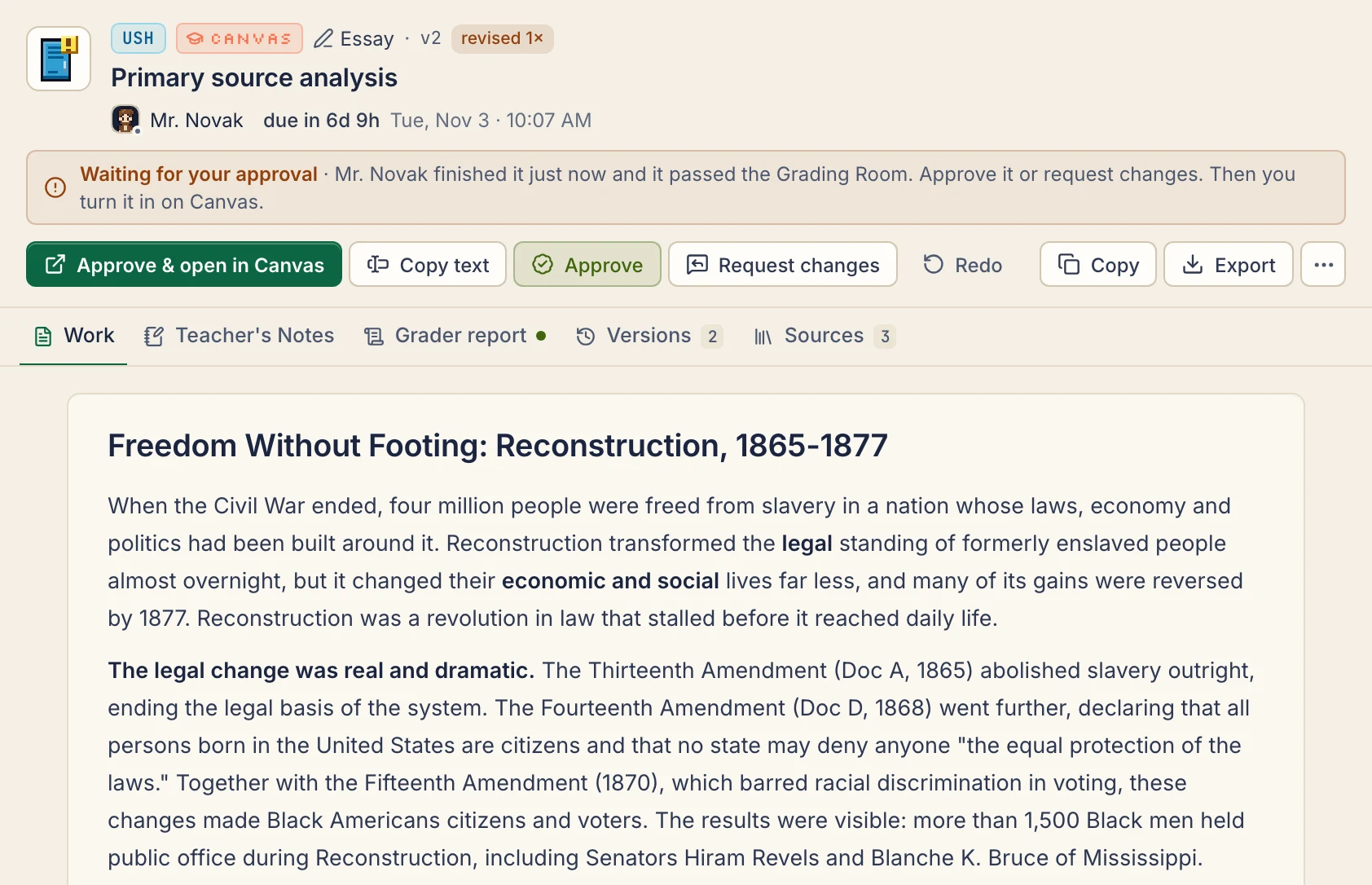
After that, it keeps up by itself
- Canvas and Classroom are checked every 15 minutes, calendar feeds every 30, and it only reads, unless you turn on Submit from Proctor and press Submit for an assignment.
- If a teacher moves a due date, the plan moves with it. Mr. Brooks aims to finish well before the deadline.
- Turn something in on Canvas or Classroom and Proctor notices; the grade shows up once it's returned. A calendar feed can't see either.
- Rather learn it yourself? Set a platform to Tutor me and its homework comes back as hints instead of answers.